
Professional Google Meet Backgrounds
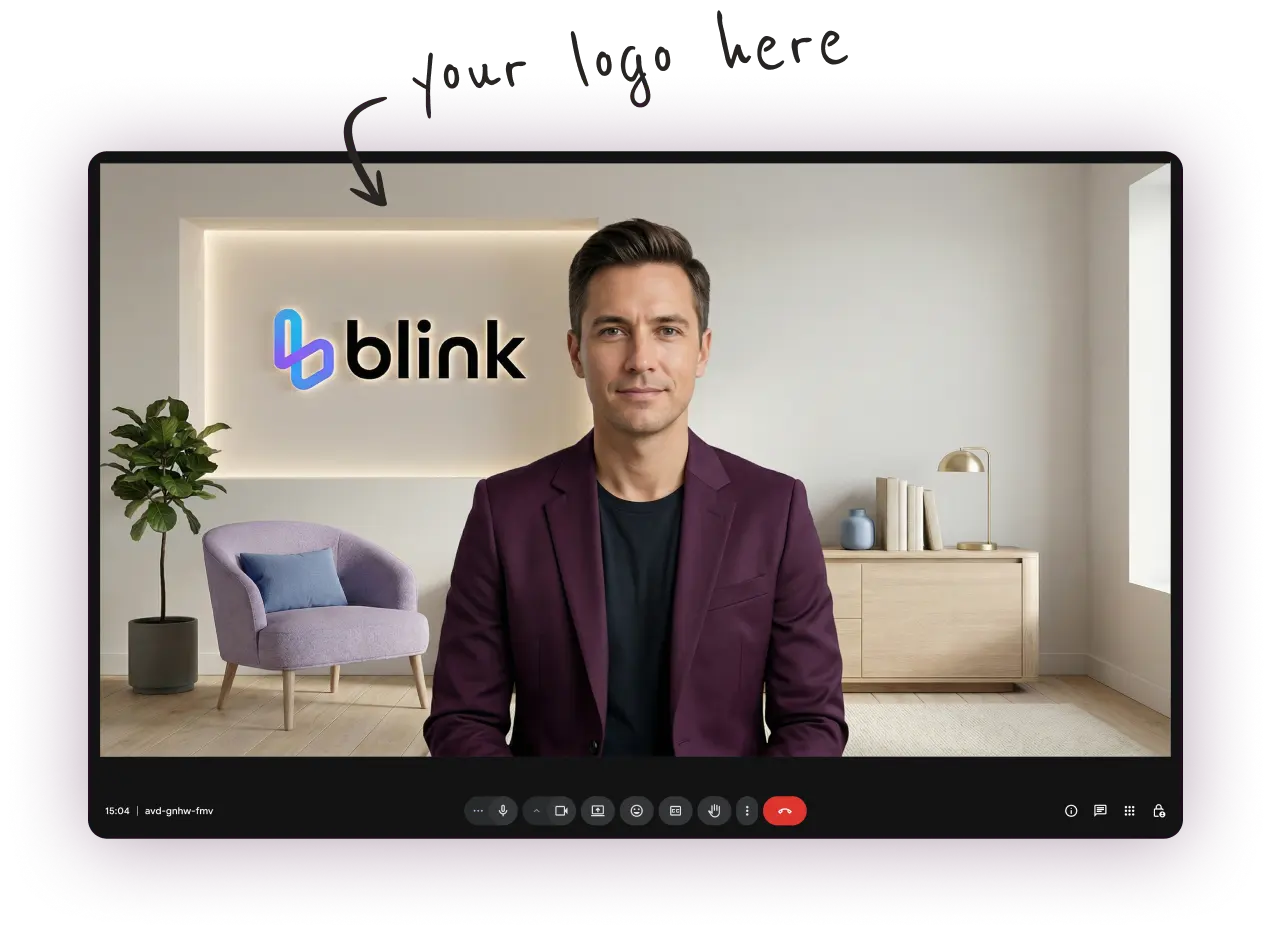
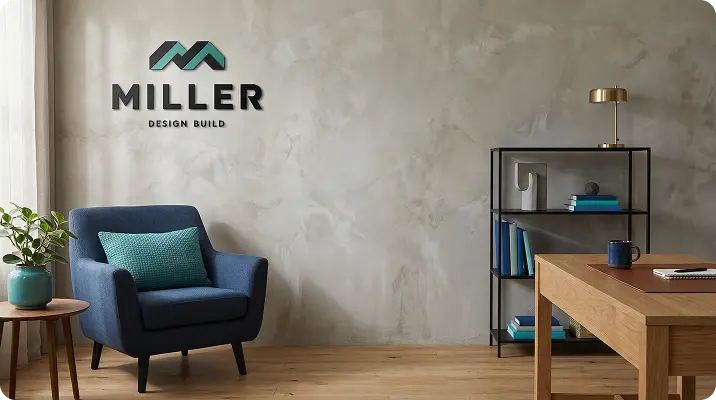
Create professional virtual backgrounds with your logo and upgrade your online presence during your Google Meet meetings
- Multiple styles to match your branding
- Look professional in every occasion
- Delivered in minutes — Most affordable service in the market

 Trusted by more than 6,000+ pros worldwide
What are Google Meet Virtual Backgrounds?
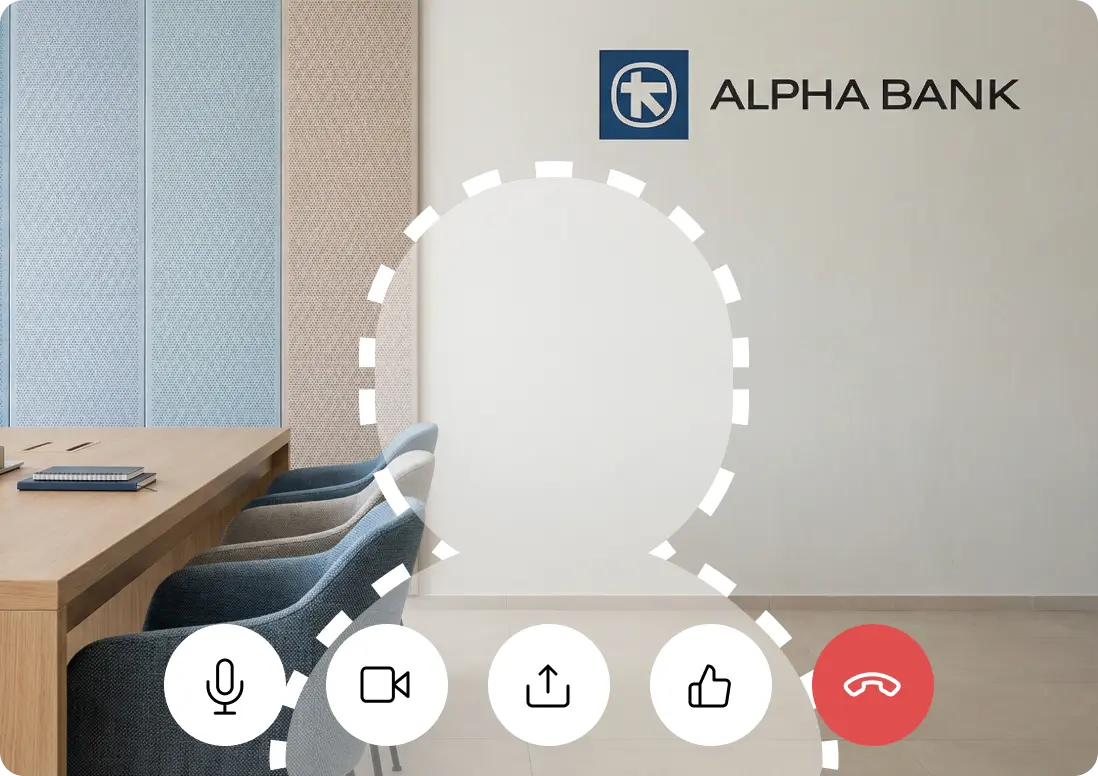
Google Meet backgrounds are custom images that replace what's behind you during a video call. They are especially useful for remote work, client meetings, and presentations where first impressions and visual consistency matter.
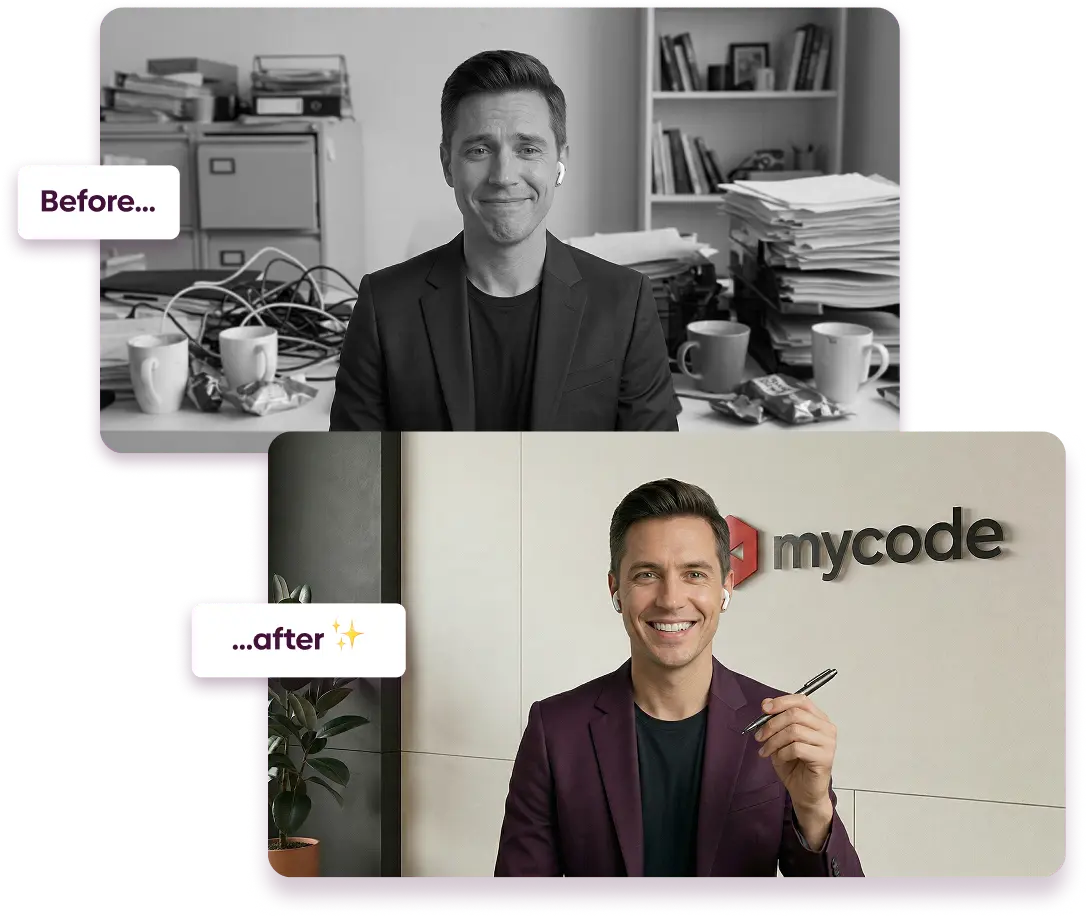
Instead of relying on your physical surroundings or messy office, you can use VirtualBackgrounds to create tens of professional, branded background options to choose from.
💡 Read our guide on how to setup your background on Google Meet
"Delivered in minutes with lots of great options to choose from"
Emily Mitchell
Look professional on every call
Benefits of Custom Google Meet Backgrounds
People judge you before you even speak!
Your background is often the first thing people notice in a Google Meet call. A background with your logo instantly signals professionalism, consistency, and attention to detail — before you even speak.
Key Benefits
- Reinforce your brand identity in every call (logo, colors, aesthetics)
- Create a more polished and professional presence
- Eliminate distractions from messy or inconsistent environments
- Build trust and credibility with clients and stakeholders
- Maintain a consistent look across your team and company
 Trusted by more than 6,000+ pros worldwide
Transform your Professional Image
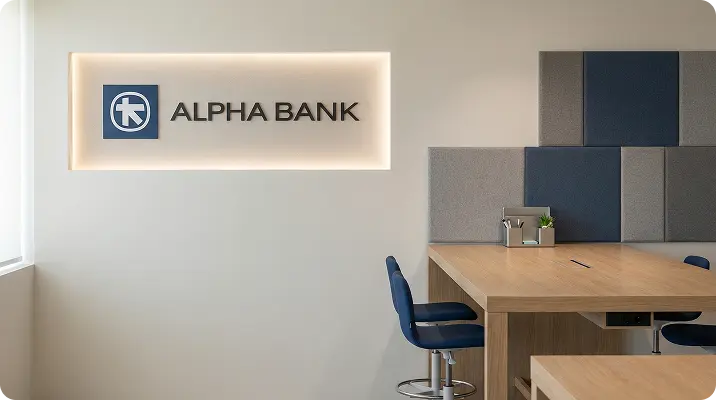
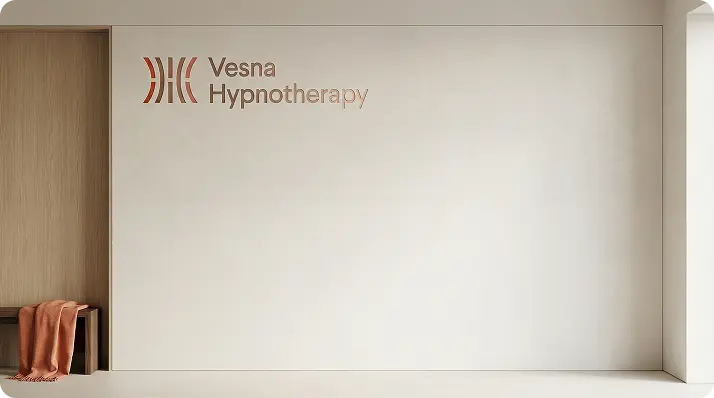
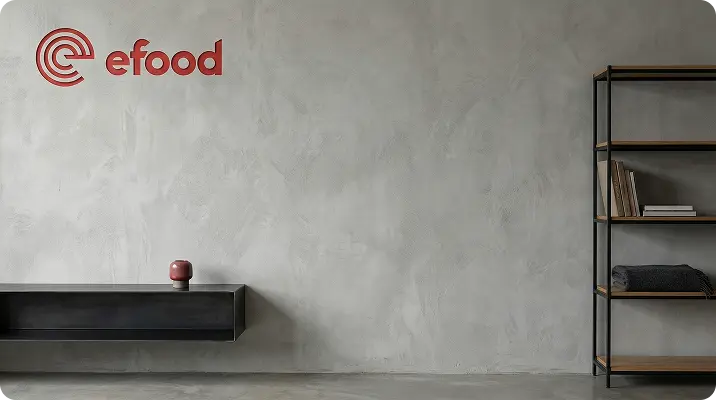
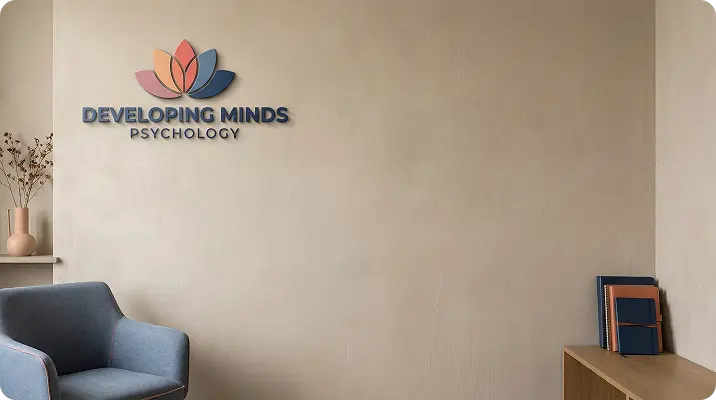
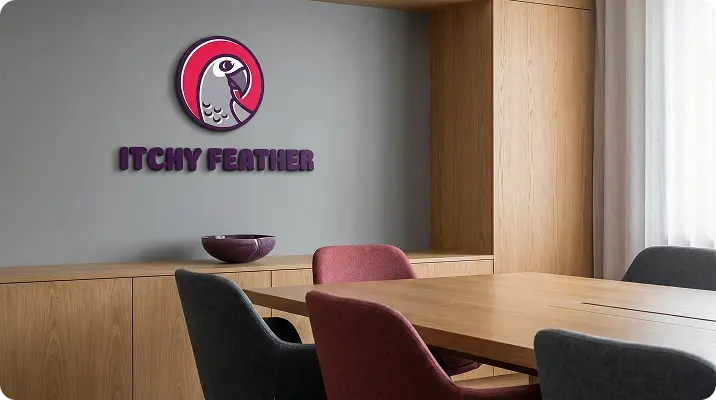
Generate your own, custom background in minutes and show up professionally on every Google Meet meeting.
One-time payment. No subscription. Yours forever.
Our customers also use their VirtualBackgrounds for:
"It looks completely natural — exactly what I needed"
I can jump on any Google Meet call and still look professional. It feels like a real office.
Emily B.
Verified customer
"Finally something highly individual that doesn't look fake."
It blends perfectly with my video. I don't have to worry about my space anymore.
Roger J.
Verified customer
"Simple, clean, and very professional. Highly recommended!"
I use it for my client calls now. It just makes everything look more polished.
Ramsey I.
Verified customer
How Much Do Custom Backgrounds Cost?
VirtualBackgrounds generates Google Meet compatible backgrounds from $19
DIY
$0
Use stock backgrounds or DIY
- Requires design skills and tools
- Takes effort to get it right
- Feels unprofessional or fake
- Looks generic and familiar

$19
Use custom AI to generate backgrounds
- No technical or design skills required
- Dozens of results in minutes
- PRO backgrounds optimised for video calls
- Every background is unique in the world
Other Services
$60+
Competitors / Designers
- Requires briefing and revisions
- 48h+ delivery minimum
- Limited number of choices / styles
- Replaces logos on standard templates
Frequently Asked Questions
A Google Meet virtual background is an image that replaces your actual background during a video call. It helps you look professional regardless of your physical location.
Yes. Google Meet allows you to upload your own images as virtual backgrounds through the 'Apply visual effects' menu. This works on Chrome, Edge, and the Google Meet mobile app.
Google Meet backgrounds work best at 1920x1080 pixels (16:9 aspect ratio). All backgrounds generated by VirtualBackgrounds are already optimized for this resolution.
Not at all. Simply upload your logo, pick the styles you like, and our AI generates professional backgrounds tailored to your brand automatically.
Yes! The backgrounds you create with VirtualBackgrounds work with Google Meet, Zoom, Microsoft Teams, Webex, and virtually any video conferencing platform.
No. VirtualBackgrounds is a one-time purchase. You pay once and keep your backgrounds forever, with no recurring fees.
Your custom backgrounds are generated in minutes after you complete the configuration wizard. No waiting for designers or long turnaround times.
Absolutely. Once generated, your backgrounds can be shared with your entire team so everyone presents a consistent, branded image on calls.