
Size Matters! (And style)
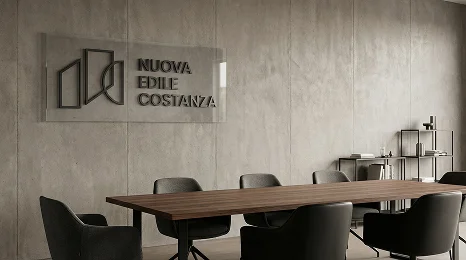
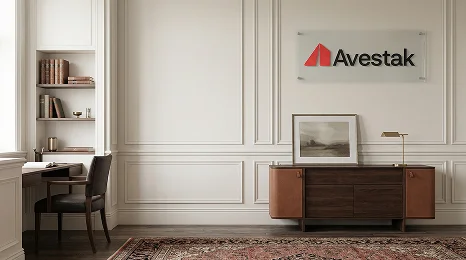
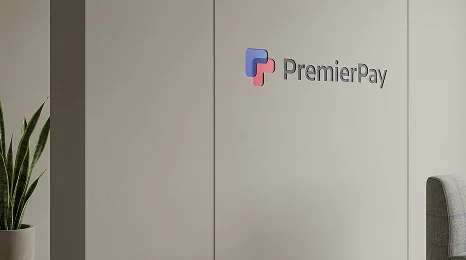
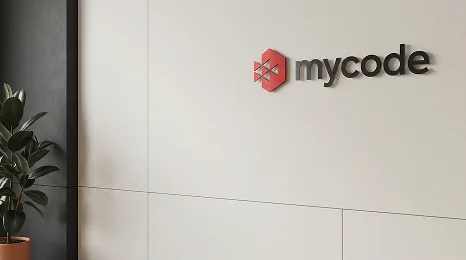
The background you are using during online meetings on Google Meet, Zoom, Microsoft Teams etc, directly affects how others perceive you! A low-quality image looks blurry and details are lost. A cluttered design distracts attention. A well-sized and well-designed background makes you look sharp, credible, and professional.
Recommended Background Sizes
- Standard Size (Best for All Platforms)
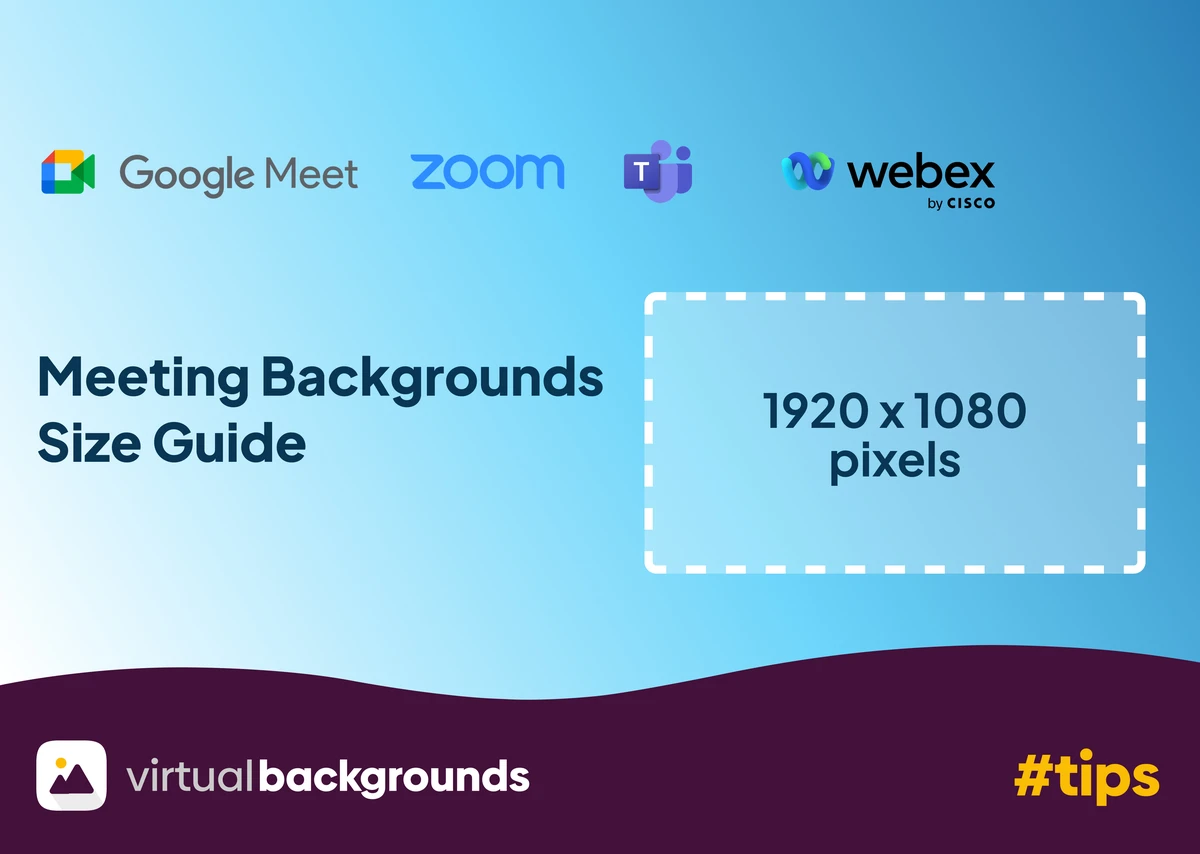
- Resolution: 1920 × 1080 (Full HD)
- Aspect Ratio: 16:9
This size works perfectly on:
- Zoom
- Google Meet
- Microsoft Teams
- Cisco Webex
2. Minimum Acceptable Size
- Resolution: 1280 × 720 (HD)
Use this only if you have no other options. Lower resolutions appear pixelated on larger screens especially on video meeting software which tries its best to compress video for better performance.
3. Higher Resolution (Optional)
- Resolution: 2560 × 1440 or higher
Useful if:
- You want extra sharpness
- You present on large displays or video walls

Background Design Rules for professionals
- Keep the center area empty (your face will be there)
- Avoid sharp patterns or clutter
- Match background lighting direction with your face
- Use depth (blurred background layers) for realism
- Stick to neutral or brand-aligned colors
Other Online Meeting Tips
Even the best background cannot fix poor meeting habits. Make sure that you always join on time, check your camera and audio before starting and keep focused on the meeting agenda. Read more tips for appropriate meeting "etiquette" on our special blog post here
How to setup a custom virtual background on your meeting software
We have guided walkthroughs on how to setup a custom virtual background for Zoom, Google Meet, Microsoft Teams and Cisco Webex.

 Used by more than 6,000 pros worldwide