

Professional Microsoft Teams Backgrounds
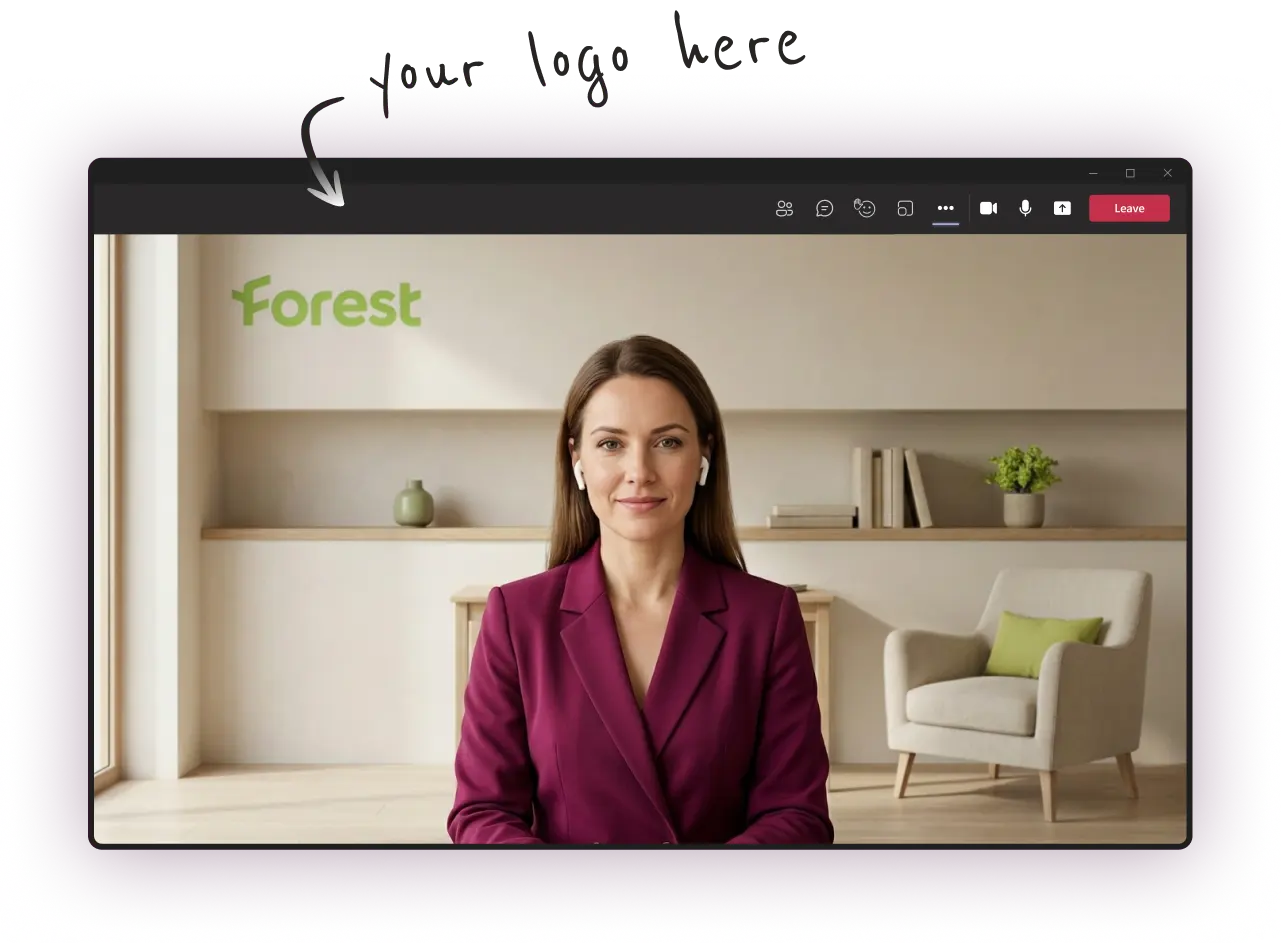
Create well-designed virtual backgrounds with your logo and upgrade your online presence during your Microsoft Teams meetings
- Multiple styles to match your branding
- Look professional in every occasion
- Delivered in minutes — Most affordable service in the market

 Trusted by more than 6,000+ pros worldwide
What are Microsoft Teams Virtual Backgrounds?
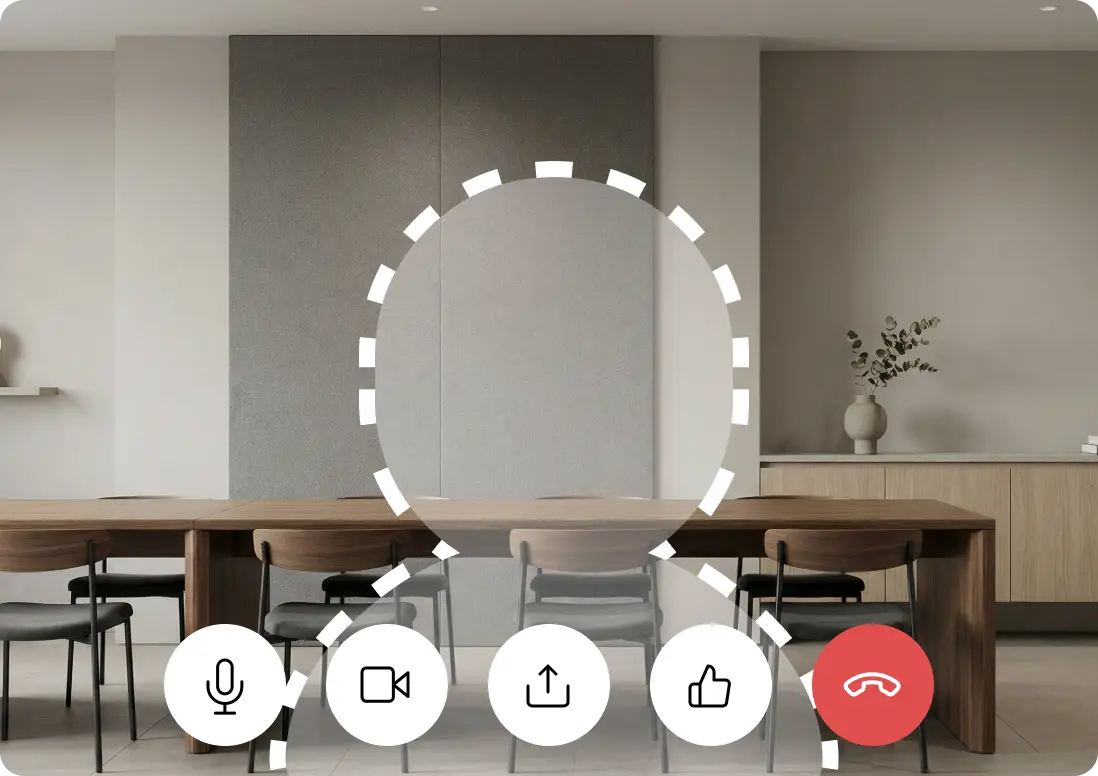
Microsoft Teams virtual backgrounds allow you to replace your real environment with a clean, on-brand image during every meeting. They're ideal for professionals and teams that need a unified, professional look across departments and offices.
Stop relying on the default blur or generic stock images. With VirtualBackgrounds you can create a full set of custom Teams backgrounds featuring your logo, brand colors, and style — ready in minutes.
💡 Read our guide on how to setup your background on Teams
"Quick turnaround and numerous polished options to choose from"
Jack Reynolds
Look professional on every call
Benefits of Custom Microsoft Teams Backgrounds
Your background sets the tone for every Teams meeting.
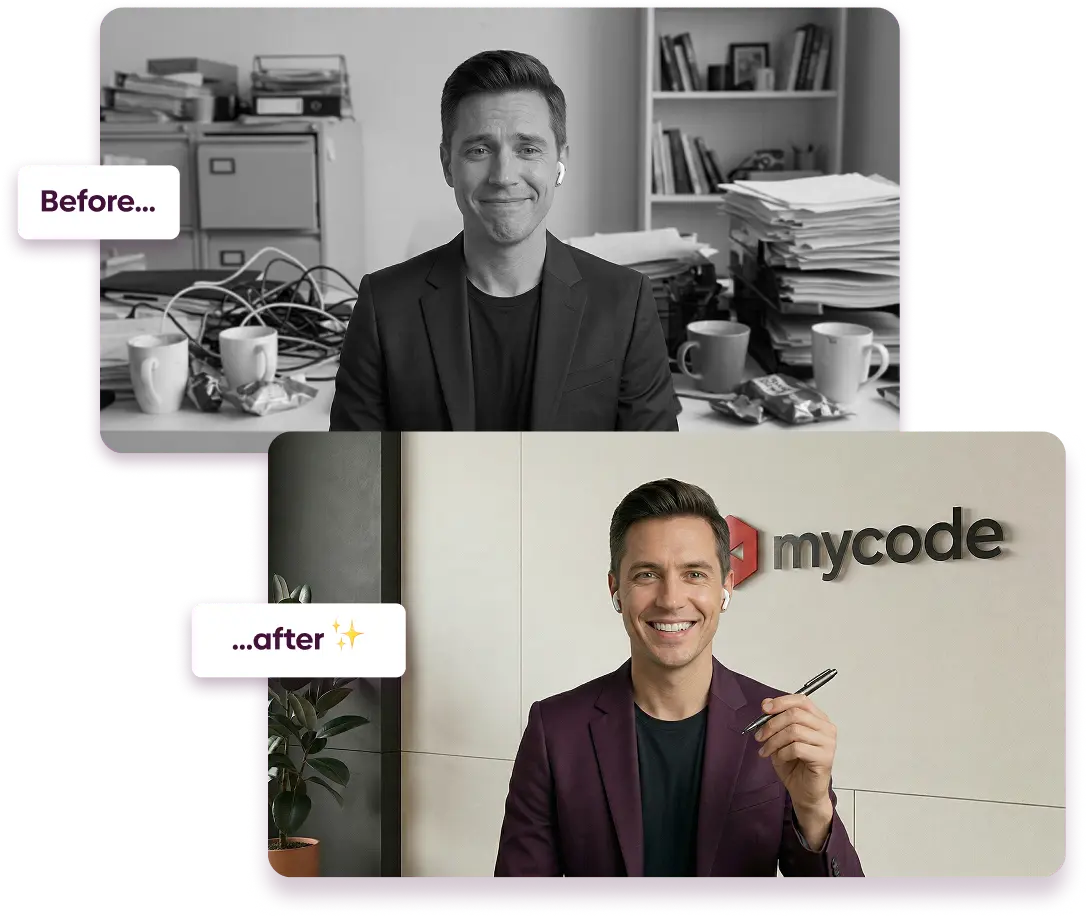
In Microsoft Teams, your video background is visible the moment you join. A custom background with your logo projects authority, brand consistency, and a polished image — especially when your entire team appears on screen together.
Key Benefits
- Reinforce your brand identity in every call (logo, colors, aesthetics)
- Create a more polished and professional presence
- Eliminate distractions from messy or inconsistent environments
- Build trust and credibility with clients and stakeholders
- Maintain a consistent look across your team and company
 Trusted by more than 6,000+ pros worldwide
Transform your Professional Image
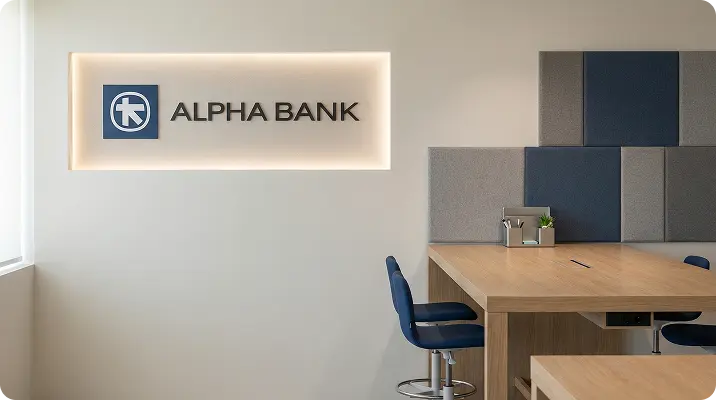
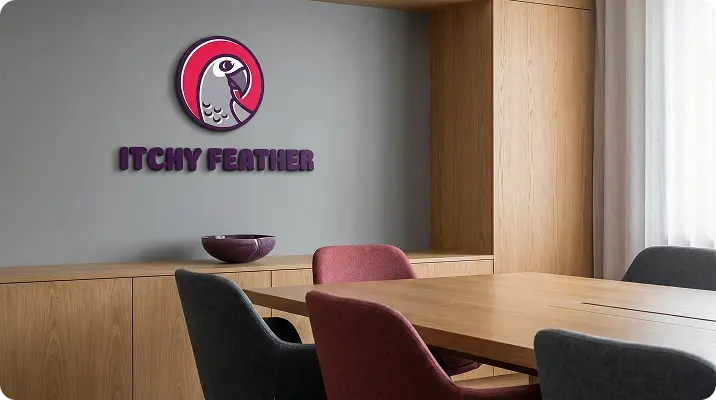
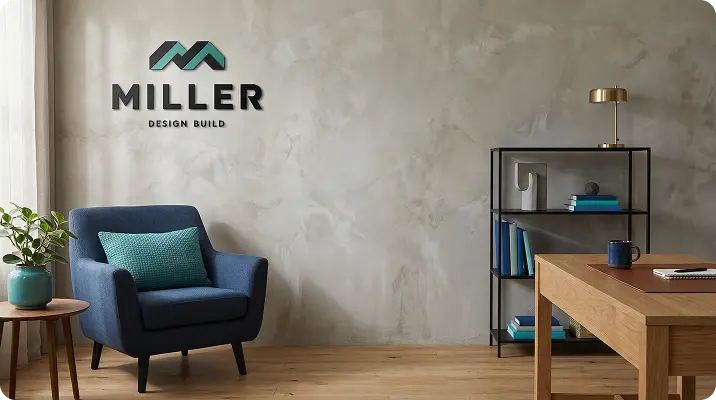
Generate your own, custom background in minutes and show up professionally on every Microsoft Teams meeting.



One-time payment. No subscription. Yours forever.
Our customers also use their VirtualBackgrounds for:
"Our entire department looks unified on Teams now"
We rolled it out across 40 people and the feedback from leadership was overwhelmingly positive. It looks incredibly professional.
Jennifer M.
Verified customer
"Perfect for client-facing Teams meetings"
I consult for multiple clients and this gives me a polished, neutral background that works for every meeting. Setup took two minutes.
Andrew P.
Verified customer
"Finally replaced the default Teams blur"
The blur effect always looked awkward. Now I have a clean, branded background that actually looks intentional and professional.
Lisa W.
Verified customer
How Much Do Custom Backgrounds Cost?
VirtualBackgrounds generates Microsoft Teams compatible backgrounds from $19
DIY
$0
Use stock backgrounds or DIY
- Requires design skills and tools
- Takes effort to get it right
- Feels unprofessional or fake
- Looks generic and familiar
$19
Use custom AI to generate backgrounds
- No technical or design skills required
- Dozens of results in minutes
- PRO backgrounds optimised for video calls
- Every background is unique in the world
Other Services
$60+
Competitors / Designers
- Requires briefing and revisions
- 48h+ delivery minimum
- Limited number of choices / styles
- Replaces logos on standard templates
Frequently Asked Questions
A Microsoft Teams virtual background is an image that replaces your actual surroundings during a video call. It helps you look professional and keep your environment private on every meeting.
On Windows, custom backgrounds are saved in %APPDATA%\Microsoft\Teams\Backgrounds\Uploads. On macOS, they are stored in ~/Library/Application Support/Microsoft/Teams/Backgrounds/Uploads. You can also copy images directly into this folder.
Your custom backgrounds are generated in minutes after you complete the configuration wizard. No waiting for designers or long turnaround times.
Microsoft Teams backgrounds work best at 1920x1080 pixels (16:9 aspect ratio) with a minimum of 360x360 pixels. All backgrounds generated by VirtualBackgrounds are already optimized at 1920x1080.
Absolutely. Once generated, your backgrounds can be shared with your entire team so everyone presents a consistent, branded image on calls.
Yes! The backgrounds you create with VirtualBackgrounds work with Microsoft Teams, Zoom, Google Meet, Webex, and virtually any video conferencing platform.
Not at all. Simply upload your logo, pick the styles you like, and our AI generates professional backgrounds tailored to your brand automatically.
No. VirtualBackgrounds is a one-time purchase. You pay once and keep your backgrounds forever, with no recurring fees.